

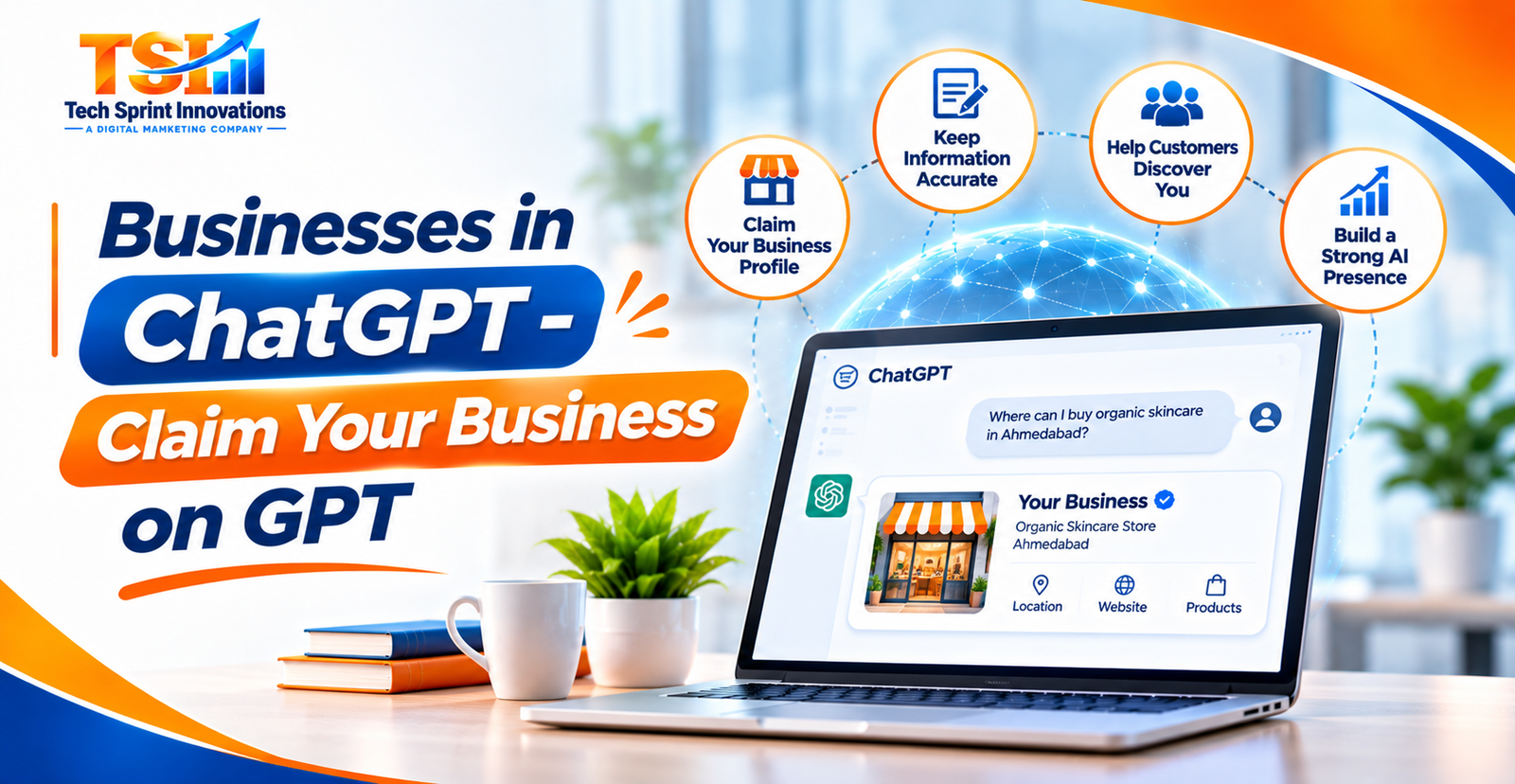
Artificial Intelligence is changing the way people search for information, discover businesses, compare products, and make purchasing decisions. Traditionally, customers used Google Search to find companies, products, and services. Today, AI platforms such as ChatGPT are becoming another important channel through which people explore business information and discover solutions.
Imagine a customer asking ChatGPT, “Which is the best digital marketing agency in Hyderabad?” or “Suggest a reliable website development company for my business.” ChatGPT can provide relevant business information based on available sources and the context of the customer’s question.
To help businesses manage their presence on this platform, OpenAI introduced Businesses in ChatGPT, a beta experience announced on November 10, 2026. Through Business Hub, eligible business owners and authorized representatives can claim their business profiles, update information, and access insights about how people discover and interact with their businesses.
This creates a new opportunity for businesses to maintain accurate information and understand how they appear in AI-powered discovery.
In this guide, we will explain what Businesses in ChatGPT is, how to claim your business, verification requirements, its benefits, and how businesses can prepare for the future of AI-driven marketing.
1. What Is Businesses in ChatGPT?
Businesses in ChatGPT is an OpenAI feature that allows eligible businesses to claim and manage their business presence through a dedicated platform called Business Hub.
It provides businesses with an opportunity to share accurate information about their company, products, and services so ChatGPT can use that information when responding to relevant customer questions.
Businesses can manage information such as:
-
Business name and description.
-
Website and contact information.
-
Business category and services.
-
Business logo and cover image.
-
Product information and availability, where supported.
-
Delivery and return policies, where applicable.
Once a business completes the required verification, authorized representatives can manage its profile and access available business insights.
Importantly, claiming a business does not mean that ChatGPT will automatically recommend it in every relevant search. ChatGPT continues to make independent recommendations based on the customer’s question and available information.
OpenAI+1
2. What Is Business Hub in ChatGPT?
Business Hub is the central place where eligible business owners and authorized representatives can manage their business presence on ChatGPT.
It allows businesses to claim an existing profile, complete verification, update business details, and understand how customers interact with their business through ChatGPT.
The major features include:
Business Profile Management: Update your business description, website, services, category, logo, and other relevant details.
Business Verification: Verify that you own or are authorized to represent the business.
Product Feed Integration: Eligible retailers can share product information, pricing, and availability through supported product feeds.
Business Insights: Understand business mentions, website clicks, and common discovery topics through aggregated reporting.
Business Agents: Eligible businesses can create AI-powered agents that answer customer questions using information and guidelines provided by the business.
Business Hub helps companies maintain their information while providing new ways to understand AI-driven customer discovery.
OpenAI Help Center+1
3. Who Can Claim a Business on ChatGPT?
Businesses can claim their profiles if they meet OpenAI’s eligibility requirements and the person submitting the request owns the business or is authorized to represent it.
The eligibility requirements depend on factors such as:
-
Business location.
-
Type of business and industry.
-
Availability of ChatGPT in the business’s location.
-
Availability of supported verification methods.
-
OpenAI’s verification and integrity checks.
Businesses generally need a website to claim an eligible profile. You do not need a ChatGPT Enterprise subscription or an advertising account just to claim an eligible business.
Important for Indian businesses: OpenAI’s announcement allows eligible businesses in locations where ChatGPT is available to claim their profiles, subject to verification and eligibility. However, local stores and restaurants can currently claim only existing US listings. Business Agents are also currently limited to eligible e-commerce and online-service businesses in the United States. Therefore, Indian businesses should check the actual options available in their Business Hub rather than assume every feature is available in India.
OpenAI+2
4. How to Claim Your Business on ChatGPT – Step-by-Step Guide
Claiming your business through Business Hub is the first step towards managing your business information on ChatGPT.
Follow these steps:
Step 1: Open ChatGPT
Visit ChatGPT and sign in using your account. Use an account that your business can continue to access.
Step 2: Open Business Hub
Find Business Hub in the ChatGPT sidebar and open it. You can also visit the ChatGPT Business Hub entry point.
Step 3: Search for Your Business
Search for your business using its official name. If your business profile already exists, select the correct listing.
If an eligible online business does not appear, Business Hub may offer an option to add a business.
Step 4: Select a Verification Method
Choose one of the verification methods offered for your business. Depending on eligibility, these may include:
-
Business phone verification through SMS or an automated call.
-
Business email verification.
-
Website domain verification.
-
Shopify store verification.
Step 5: Complete Verification
Follow the instructions for your selected method.
For website domain verification, OpenAI may provide a DNS TXT record that needs to be added to your domain settings. If your website is managed by a developer or hosting provider, you may need their assistance.
Step 6: Wait for Approval
OpenAI reviews your claim and sends an email with the decision or requests additional information.
Step 7: Complete Identity Verification
After the business claim is approved, complete the required identity verification through Persona. You may need to provide a government-issued ID, business registration information, or proof that you are authorized to represent the business.
After the required verification is approved, you can access the available business management features.
5. What Information Should You Add to Your ChatGPT Business Profile?
Once your business claim and required identity verification are approved, maintaining accurate business information becomes important.
Make sure your profile includes the following:
1. Official Business Name
Use your registered or publicly recognized business name consistently.
2. Business Description
Write a clear description explaining what your business does, who it serves, and what products or services it offers.
3. Website URL
Add your official website so interested customers can learn more about your business.
4. Business Category
Select the category that accurately represents your industry and services.
5. Products and Services
Clearly describe your main offerings, including important features and relevant details.
6. Contact and Business Information
Provide accurate contact details and other applicable business information.
7. Logo and Cover Image
Use professional brand images that represent your business identity.
For example, a digital marketing agency can describe its SEO, Google Ads, social media marketing, website development, and lead generation services.
An accurate profile helps ChatGPT access useful business information when responding to relevant customer questions. OpenAI reviews profile changes, and updates may take time to appear.
OpenAI Help Center+1
6. Benefits of Claiming Your Business on ChatGPT
Claiming your business offers several opportunities to manage your brand’s information and understand its presence in AI-powered discovery.
1. Manage Your Business Information
You can update important business details instead of relying entirely on information gathered from external sources.
2. Improve Information Accuracy
Providing current details about your services, website, and products can help ChatGPT access more accurate information about your business.
3. Understand AI-Powered Business Discovery
Customers increasingly use AI tools to explore companies, compare services, and find solutions. Business Hub provides insights into how your business is referenced in ChatGPT.
4. Access Business Insights
Eligible verified businesses can view aggregate information about mentions, website clicks, and discovery topics.
5. Support Product Discovery
Eligible retailers can share product information, pricing, and availability through supported product feeds.
6. Prepare for AI-Based Customer Interactions
Eligible businesses can explore Business Agents to provide customers with an additional way to ask questions about products, services, and policies.
However, claiming your profile does not guarantee higher rankings, recommendations, leads, or sales.
OpenAI+2
7. What Are Business Agents in ChatGPT?
Business Agents are AI-powered assistants that allow eligible businesses to interact with customers through ChatGPT.
They can answer questions using business-provided information, product details, policies, and guidelines.
For example, imagine an online clothing store that sells different categories of fashion products.
A customer might ask:
-
What types of clothing do you offer?
-
What sizes are available?
-
What is your return policy?
-
How long does delivery take?
-
Which product is suitable for a particular occasion?
A Business Agent can help answer these questions using the information supplied by the business.
Businesses can review and test their agents before publishing them.
Currently, Business Agents are available to eligible e-commerce and online-service businesses in the United States. Claiming a business profile does not automatically create or publish an agent.
OpenAI+1
8. How to Optimize Your Business for ChatGPT and AI Search
Claiming a business profile is an important step, but businesses should also maintain a strong online presence beyond Business Hub.
Here are some practical ways to improve your business’s discoverability across AI-powered search experiences.
1. Maintain a Professional Website
Your website should clearly explain your business, products, services, location, and contact information.
2. Create Helpful and Informative Content
Publish useful blogs, service pages, FAQs, guides, and industry-related articles that answer real customer questions.
3. Maintain Consistent Business Information
Keep your business name, website, phone number, address, and service details consistent across relevant online platforms.
4. Implement Structured Data
Use appropriate schema markup, such as Organization, LocalBusiness, Product, and Service where applicable, to help search engines understand your website content.
5. Publish Industry-Specific Content
Create detailed content that demonstrates your expertise and explains how your products or services solve customer problems.
6. Build a Strong Digital Reputation
Encourage genuine customer reviews, publish authentic case studies, and maintain accurate business listings.
7. Optimize for Conversational Queries
Include natural-language questions and answers that reflect how customers ask AI assistants for recommendations and information.
For example, instead of targeting only “SEO services”, create helpful content answering questions such as “How can SEO help a small business generate more leads?”
These practices can strengthen your overall search visibility, although they do not guarantee that ChatGPT will recommend your business.
9. How to Track Your Business Performance on ChatGPT
One of the useful features of Business Hub is its Insights section, which helps eligible businesses understand how people interact with their profiles through ChatGPT.
After completing the required claim and identity verification, businesses can access available performance information.
Some important metrics include:
Business Mentions: Understand how often ChatGPT references your business website in relevant answers.
Website Clicks: Monitor how frequently users click through to your business website from ChatGPT.
Discovery Topics: Explore common themes in conversations where your website is cited. These topics can help you identify what customers are interested in.
Performance Trends: Review aggregate activity over the past 28 days to understand how your business is being discovered.
These insights can help businesses identify content opportunities and improve their online information.
One important privacy consideration is that businesses do not receive individual customer prompts or private conversations. Insights are aggregated, and some metrics may not appear when reporting thresholds have not been reached.
OpenAI Help Center+1
10. Common Mistakes Businesses Should Avoid When Claiming Their Business on GPT
While claiming your business, avoid these common mistakes:
-
Incorrect Business Information: Avoid submitting outdated business names, contact details, or website URLs.
-
Unclear Business Descriptions: Do not use generic descriptions that fail to explain your actual products and services.
-
Incorrect Verification Details: Ensure that the information submitted matches your official business records.
-
Duplicate Business Profiles: Avoid creating duplicate or misleading business listings.
-
Ignoring Profile Updates: Review your information regularly and update it whenever your business details change.
-
False Marketing Claims: Avoid unsupported guarantees, fake reviews, and misleading promotional information.
-
Expecting Instant Rankings: Claiming your profile does not guarantee that ChatGPT will recommend your business more frequently.
Businesses should only claim profiles they own or are authorized to manage and must provide accurate information.
OpenAI+1
11. Why Businesses Should Prepare for AI-Powered Search in 2026
Search behaviour is changing as customers increasingly use conversational AI tools to find products, compare services, and research businesses.
Traditional SEO remains important, but businesses should also consider how their information is presented across AI-powered discovery platforms.
This is where concepts such as Answer Engine Optimization (AEO) and Generative Engine Optimization (GEO) become relevant.
-
SEO (Search Engine Optimization): Helps websites improve their visibility in traditional search engine results.
-
AEO (Answer Engine Optimization): Focuses on making content useful and accessible for direct answers to customer questions.
-
GEO (Generative Engine Optimization): Focuses on improving how business information and content can be understood, referenced, and surfaced by generative AI systems.
Businesses that invest in accurate information, helpful content, technical website optimization, and consistent online branding can build a stronger foundation for both traditional and AI-powered discovery.
Claiming your business on ChatGPT is one part of this broader strategy.
Conclusion
Businesses in ChatGPT introduces a new opportunity for companies to manage their information and understand how customers discover them through AI-powered conversations.
With Business Hub, eligible businesses can claim their profiles, verify ownership, update company information, access insights, and explore additional features such as product feeds and Business Agents where available.
Whether you operate a startup, digital marketing agency, e-commerce store, healthcare organisation, educational institution, or established company, maintaining accurate business information across digital platforms is becoming increasingly important.
However, simply claiming a business profile is not enough. Companies should also focus on building a professional website, publishing helpful content, maintaining consistent business information, implementing SEO best practices, and developing a strong online reputation.
The future of digital marketing is not limited to ranking on search engines. It is also about making your business information accessible, accurate, and useful across AI-powered platforms.
Businesses that start preparing today can build a stronger foundation for the changing digital discovery landscape.